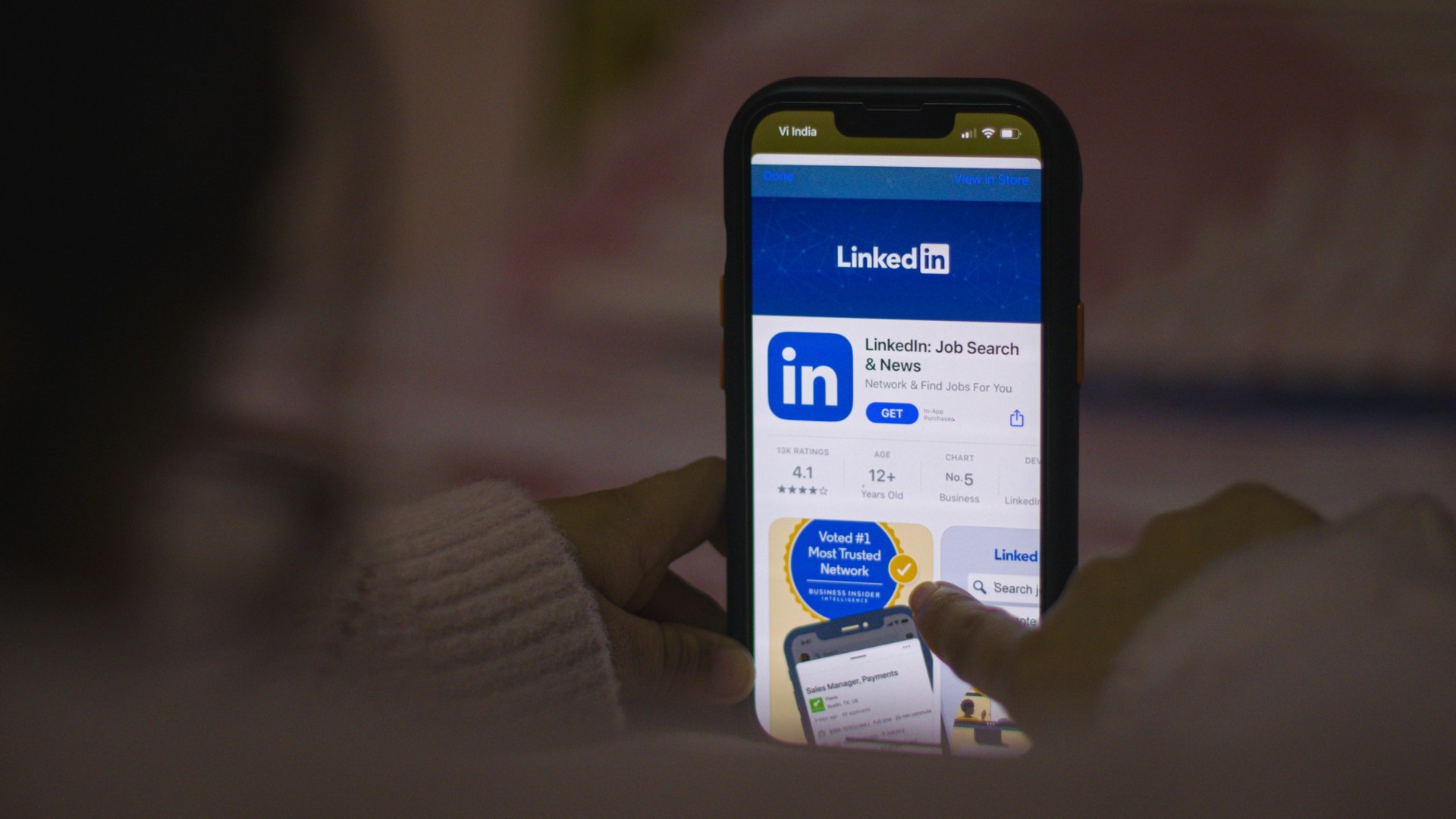
LinkedIn now lets anyone flag your post as one that “seems like AI slop,” and members clicked that button more than a million times in its first two weeks.
That detail comes from a CNN report on Oct. 18 about how the platform is fighting back against AI-written posts. The flood is real. A July report from Pangram, a firm that tracks AI content online, found that more than 40% of long-form LinkedIn posts were AI-generated, a higher share than on X or Medium.
If your business uses LinkedIn to find customers, hire people or build a name, sit with that for a second. The platform is now teaching itself to tune out anything that sounds like everyone else.
What Happens to a Flagged Post
Here is the part most people miss. A flagged post does not get deleted. According to CNN, when LinkedIn’s model flags a post as low-quality, AI-generated content, it becomes less likely to be shown beyond the author’s direct connections. The people who already know you still see it. Strangers mostly don’t, and strangers are where new customers, hires and partners come from.
By LinkedIn’s count, it’s working. In August, Chief Product Officer Hari Srinivasan wrote that members were seeing “40% less views” on content the company classifies as AI slop, compared with a few weeks earlier, Engadget reported. LinkedIn is also adding an alert in post analytics that tells you when other members reported your post as AI slop.
The People Reading Your Posts
This isn’t only software. LinkedIn built a team made up largely of former journalists and social media experts to help train its model to spot generic, sloppy content, CNN reported.
Dan Roth, LinkedIn’s editor-in-chief, described the people who come to his team asking why a post flopped. “A lot of times now today, they’ll run it through Claude or Gemini or wherever,” he told CNN, and the post performs poorly. His team’s answer is to hand it back and ask: “Did you enjoy reading this? Do you see yourself in this?”
Then he went after the playbook itself. “I know you think you’re doing the right thing with your perfectly bulleted list and your hook at the top,” Roth said. “But what works is being human.”
Yes, this is the same Microsoft-owned platform that offered AI tools to rewrite your posts for you. CNN noted it has recently scaled them back, and in August Social Media Today reported LinkedIn was replacing its “enhance your post” feature with a proofreading tool that doesn’t change your voice.
So Can You Still Use AI on LinkedIn?
Yes. When LinkedIn announced the crackdown in May, it said it still welcomes AI-assisted posts that bring original ideas or spark “meaningful conversation,” Engadget reported. What it is going after is narrower: engagement bait, recycled “thought leadership,” and posts with obvious AI tells, like the “it’s not X, it’s Y” line everyone has started using. The company says it is trying to separate posts that add perspective, context or expertise from posts that repeat what is already out there.
In plain terms, the tool isn’t the problem. A post anyone could have written is. Using AI to tighten your draft or catch a typo is the same job LinkedIn’s own new proofreading tool does. Asking AI to write “five leadership lessons” out of thin air is exactly the kind of recycled post LinkedIn says it is pushing down.
Roth said plainly that “not everyone is a born communicator.” But LinkedIn’s advice to posters is about as low-tech as it gets: prop your phone against a coffee mug instead of booking a studio, and post a quick thought to start a conversation, even if the thought isn’t finished.
Before Your Next Meeting
- Would you stop scrolling for your own last post? That is the exact test LinkedIn’s team gives people whose posts flop. Read your last three posts out loud, and rewrite any line you would never say to a customer’s face.
- Who came up with the idea, you or the AI? LinkedIn says it is pushing down recycled posts that add nothing new. Start every post from something only your business has, like a customer story, a number from your own work or a mistake you fixed, and use AI to tighten it, not to invent it.
- What can you say with a phone and a coffee mug? That is LinkedIn’s own setup advice. This week, record one 60-second video answering a question a customer actually asked you, with no script.