The quick take:
- Hackers got into several popular Shopify apps this month and used them to send shoppers to fake payment pages.
- Nobody has said how many stores or shoppers were hit. One affected app alone is installed on 49,000+ stores.
- The trick hid from owners who tested their own checkout. If you sell online, test yours in a private browser window today.
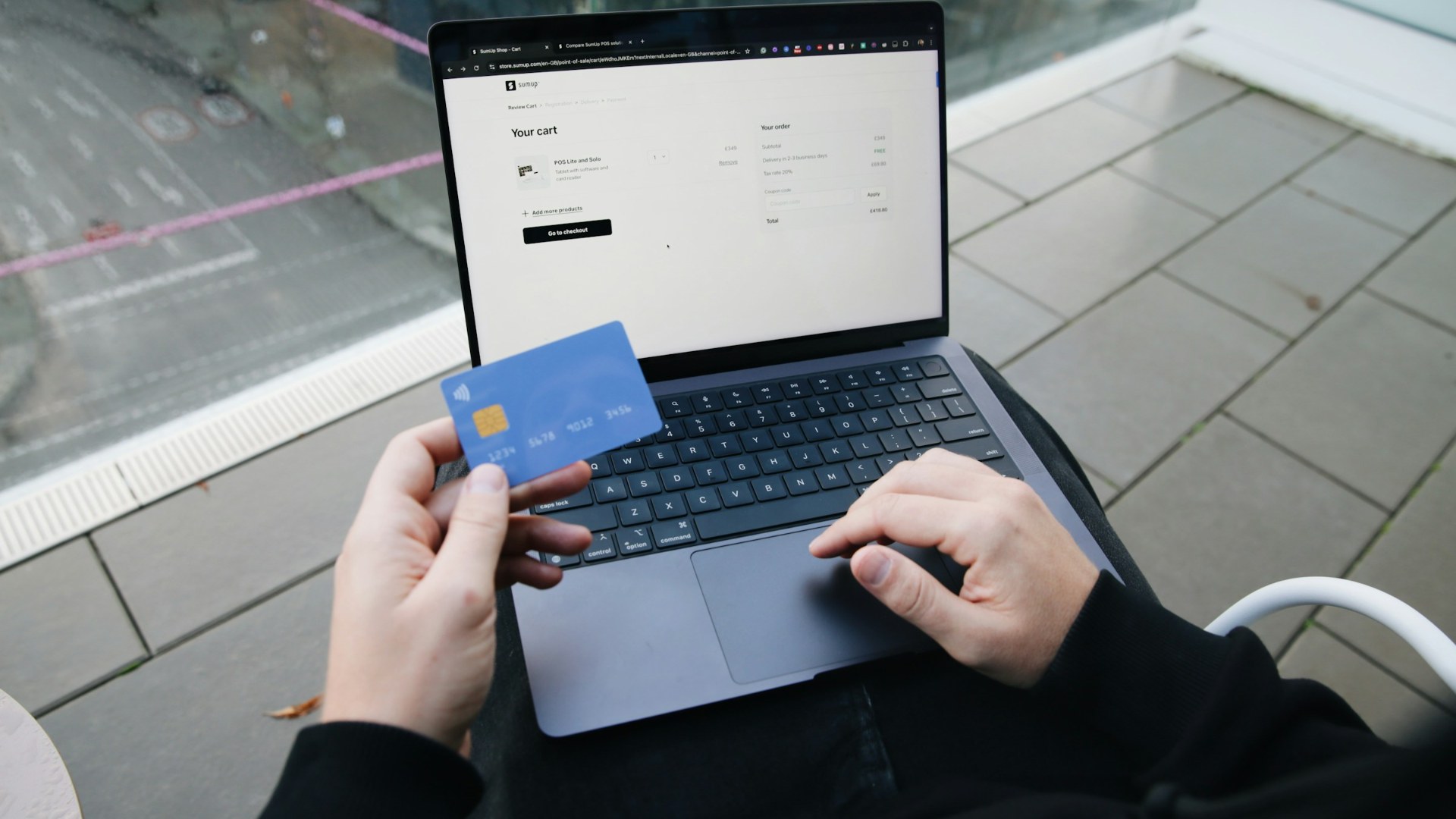
A shopper visits a real online store, fills a real cart and clicks checkout. The payment page looks normal. It isn’t. It’s a fake on a web address like “biliing.top,” and the card number typed into it goes to someone else.
That happened at an unknown number of Shopify stores between July and October. If your business sells through Shopify, here’s what you need to know. If it doesn’t, keep reading anyway, because the same weak spot exists in almost every website that runs outside software.
Hackers Didn’t Break Into Shopify. They Broke Into the Apps.
Shopify stores run on add-on apps for upsells, product options, wishlists and pop-ups. Many of those apps let the developer push code straight into your store. Attackers got into the developers’ systems and used that access.
Three developers confirmed it. HulkApps said “an exploit introduced unauthorized configurations” into its Hulk Product Options app on Oct. 10. Logbase said someone got into an internal tool for its Selleasy upsell app and slipped code into stores for about seven hours on Oct. 13. Swym said its Wishlist Plus app was hit twice, on Oct. 14 and 18, and switched the app off for every merchant. Two other apps were hit in July and September. Independent developer Roman Zipp, who traced the first case, found the code included a function literally named “hijack.”
The Damage: Nobody Knows How Many Shoppers Typed In a Card
No app maker and no one at Shopify has published a count of affected stores, shoppers or stolen cards. Selleasy alone is installed on more than 49,000 active stores, though that’s its user base, not a victim count. Logbase says it can’t rule out that shoppers typed card details into the fake page.
For at least one owner, the damage was immediate. Carly Clarke shut down her Australian dog-harness store, WAGD, after a customer flagged a strange payment page, Tech Business News reported. Days later she still had no date to reopen. Meanwhile, hundreds of apps were pulled from the Shopify App Store over a few weeks while things got sorted out, according to tracking cited by LetsMetrix. Most were probably unrelated, but if your store depended on one, it didn’t matter.
Why Owners Missed It: The Trick Only Fired Once
The fake redirect ran only once per shopper. So an owner who heard a complaint and clicked through checkout from their own browser could land on the real page and decide everything was fine. Most owners found out the way Clarke did: a customer told them.
If It Happens to You: Lock It Down, Save Proof, Tell People
Security firms and developers who tracked the attacks laid out roughly the same playbook:
- Test it right. Run checkout several times in fresh private browser windows and make sure you always land on your real checkout.
- Contain it. If you see a redirect, put the store behind a password and turn off the suspect app.
- Save the evidence. Screenshot the fake page, note the web address and the time. Don’t type a real card into it.
- Call in help. Contact Shopify Support and the app developer, and ask how long the bad code was live.
- Tell customers. Anyone who may have entered a card should call their card issuer. Ask your payment provider or lawyer what notice the law requires where you operate.
- Close the door. Remove apps you don’t use, turn on two-factor login for every staff and app account, and know what you’d swap in if a key app vanished.
What Shopify Is Changing
“When an app falls short, we act,” a Shopify spokesperson told iTnews. On Oct. 20, Shopify added a prompt asking shoppers to confirm before a store sends them to an outside website, and later began blocking links to sites it identifies as malicious. It told app developers to tighten security that week and said limits on what app code can do inside a store are coming. It hasn’t put out a public count of affected stores.
Before Your Next Meeting
If outside software touches your checkout, booking page or payment form, what would you do?
- How many apps can change what your customers see when they pay you? Each one is a door someone else holds a key to. Who on your team could list them by Friday?
- A customer says your payment page looked weird. What happens next? This attack hid from repeat visits. Would your team test it properly, or click once and call it fine?
- A vendor’s breach may have exposed your customers. Do you tell them before you know for sure? Logbase can’t rule out that card details were entered. Decide now who makes that call and how fast.